Self-Hosted Google Photos Alternative 2026: Immich vs. PhotoPrism
Every year Google Photos gets a little more expensive to live with. Your phone fills up, the free 15 GB runs out, and suddenly you’re paying a monthly fee to keep your own family photos. If you’re hunting for a Google Photos alternative that you actually own, self-hosting is the answer, and two projects lead the pack: Immich and PhotoPrism.
This guide explains what each one does, how they compare, and which to pick if you already have a NAS. If you’re still deciding whether to leave the cloud at all, start with our guide to how to stop paying for cloud storage.
What Is a Self-Hosted Google Photos Alternative?
A self-hosted photo manager is software you run on your own hardware, like a NAS, a mini PC, or a home server. It gives you the parts of Google Photos people actually use: a timeline, albums, search, face grouping, and a phone app that backs up new pictures automatically. The difference is that your photos stay on drives in your house.
The trade-off is honest and worth knowing up front: you become the IT department. Updates, backups, and keeping the thing running are on you. Both tools below run in Docker, so if that’s new to you, read our Docker on Synology NAS guide first.
Immich vs. PhotoPrism: The Head-to-Head
Immich: The Closest Thing to Google Photos
Immich is built around the phone. Its official site lists mobile apps for Android and iOS, automatic backup, facial recognition, search, and photo and video sharing, and the project is backed by FUTO. If you want the “install the app, photos just flow to my server” experience, this is the one.
- Pros: a polished mobile app with automatic backup, face recognition, search, and sharing with family.
- Cons: hungrier for hardware, and it’s a fast-moving project, so read the release notes before every update.
- Requirements: the Immich requirements page lists 6 GB of RAM as the minimum and 8 GB as recommended, with 2 cores minimum and 4 recommended. It can run on 4 GB with machine learning features turned off.
PhotoPrism: The Library Organizer
PhotoPrism is aimed more at people who manage a big library from a browser. Its feature page highlights face recognition, maps and location search, support for RAW, HEIC, and video files, and filters for label, location, color, and quality. The free Community Edition is open source under the AGPL, and paid tiers add things like extra user roles and two-factor authentication.
- Pros: lighter on hardware, strong search and map views, and good RAW and HEIC handling.
- Cons: the phone experience is a web app (PWA) rather than a dedicated backup-first app, so automatic phone uploads take more setup.
- Requirements: per the PhotoPrism docs, at least 2 cores and 3 GB of memory, and it works with SQLite or MariaDB.
Quick Comparison
- Phone backup: Immich has a dedicated app. PhotoPrism relies on its web app plus other tools.
- Hardware needs: PhotoPrism is lighter. Immich wants 6 to 8 GB of RAM for the full feature set.
- Cost: both are free to self-host. PhotoPrism also sells optional paid memberships.
- Best for: Immich for replacing Google Photos day to day. PhotoPrism for browsing and organizing an existing library.
Which Google Photos Alternative Should You Choose?
Pick Immich if your goal is to stop paying Google and have the whole family’s phones back up automatically. Pick PhotoPrism if you mostly have a big archive of photos from cameras, you care about RAW files, or your NAS is a modest model with limited memory.
One rule from Immich’s own documentation is worth repeating: its database should live on local storage, ideally an SSD, and never on a network share. On a NAS, that means keeping the database inside the NAS volume rather than mounting it from somewhere else.
Getting Started With Your Google Photos Alternative
- Check your hardware. Look at RAM first. It’s the number one thing people overlook with Immich.
- Install Docker. On Synology that’s Container Manager. Our Docker guide walks through it step by step.
- Deploy with Docker Compose. Both projects publish an official compose file in their documentation. Start from those rather than random copies.
- Install the mobile app and point it at your server’s address.
- Back up the backup. A photo server is not a backup. Keep a second copy of your library on another drive or location.
Hardware Recommendations
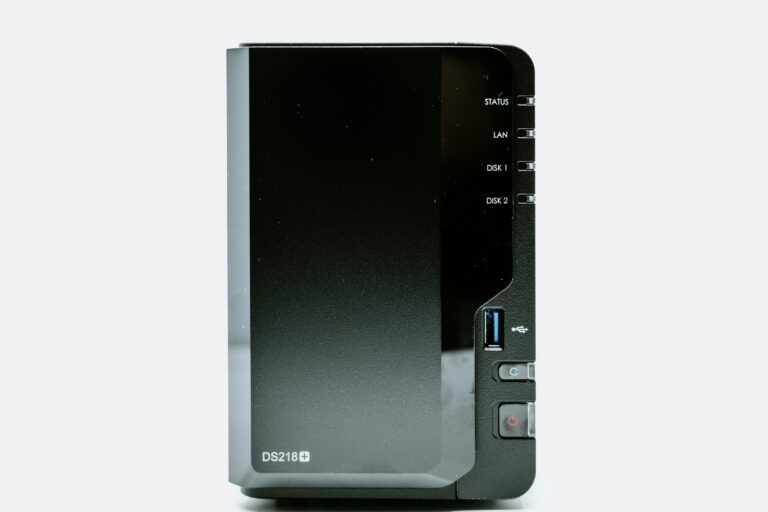
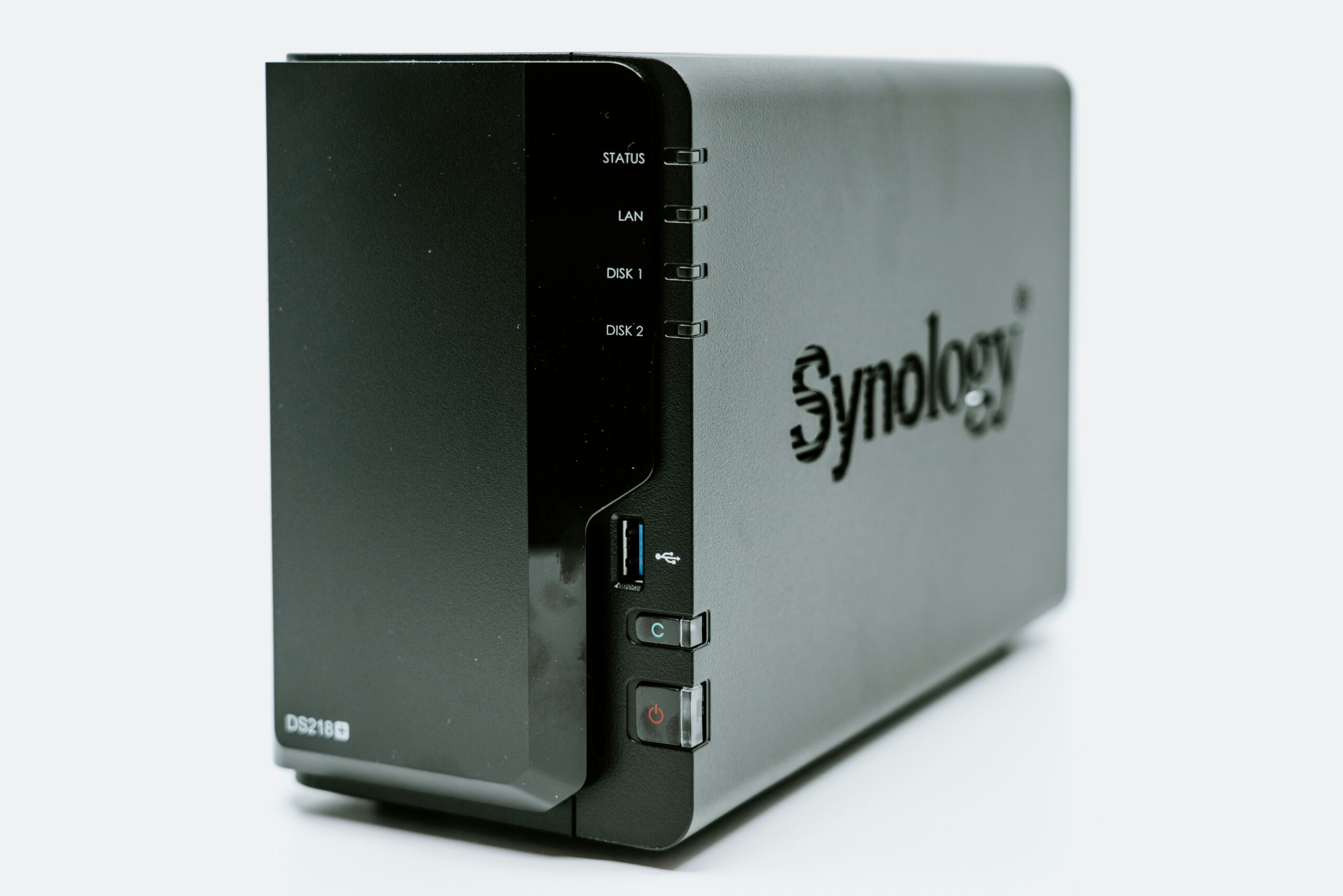
If you’re buying a NAS for this, aim for more memory than the minimum. The Synology DS923+ ships with 4 GB and, according to Synology’s spec sheet, supports up to 32 GB, so it has plenty of headroom for Immich. The Synology DS225+ is a smaller two-bay option, but Synology lists its maximum at 6 GB, which only just meets Immich’s minimum. PhotoPrism is the more comfortable fit there.
For storage, NAS-rated drives are worth it for a library you can’t replace. We compare the main options in our best hard drives for Synology NAS guide.
Common Mistakes to Avoid
Most problems with a self-hosted photo library come from a handful of avoidable choices. Knowing them before you start saves a lot of frustration later.
- Skipping backups. Moving your photos to a NAS and deleting them from Google Photos leaves you with a single copy. Keep a second copy somewhere else before you cancel anything.
- Underestimating RAM. Face recognition and smart search run machine learning in the background. If your NAS runs out of memory, everything else on it slows down too.
- Putting the database on a network share. Immich’s documentation is clear that this causes problems. Keep it on local storage.
- Updating blindly. Fast-moving projects occasionally change how they’re configured. Skim the release notes before you pull a new version.
- Opening it to the internet carelessly. If you want to reach your photos away from home, use a VPN or a reverse proxy set up properly, not a bare port forward.
None of these are hard to avoid. They just reward a slow, careful first weekend over a rushed one.
Our Recommendation
For most families, Immich is the better Google Photos alternative because the phone app does the hard part for you. Just give it enough RAM and keep your backups honest. If your hardware is modest or you manage a large camera archive, PhotoPrism is a solid, calmer choice. Either way, you’ll end up with photos that live on your own drives, with no monthly bill.